Vivo FRP Bypass Android 15: Unlock Funtouch OS 15 Google Lock (2026 Guide)
Key Takeaways
- The Problem: Traditional “TalkBack” gestures and accessibility shortcuts have been patched in the November 2025 security update for Funtouch OS 15. You can briefly understand how the old TalkBack-based exploits used to work in our FRP Bypass with TalkBack guide, which also explains why they are now patched on newer Android builds.
- The Manual Fix: You must use the Vivo clone phone method (EasyShare) to transfer two specific apps. Crucially, you must target a hidden “Factory Test” intent, not the standard Google Setup, to avoid crashing.
- The Professional Fix: For those dealing with the Activity Launcher setup fail or needing to unlock multiple devices quickly, DroidKit offers an automated unlock without complex APK injection.
- Critical Warning: Do not attempt to downgrade your OS version. Vivo’s anti-rollback protection can permanently brick V40 and X100 series devices.
The Reality of Bypassing Android 15
Consider the situation of Amit, a mobile repair shop owner. He recently received a customer’s Vivo V40 locked on Android 15. Confident in his experience, he tried his usual “TalkBack” method, but the system completely ignored the “L” gesture. He then attempted the “EasyShare” cloning method he used successfully on Android 14, but the phones refused to pair, leaving him staring at a connection error.
Frustrated and losing valuable time, Amit realized his usual tools had become obsolete. He needed a guide that didn’t just repeat old steps but acknowledged the “EasyShare” bug and provided the specific “Activity” string that doesn’t crash the phone. Facing a locked device when a customer is waiting can be a significant obstacle.
This guide addresses those exact obstacles. It outlines the specific steps required to circumvent Google’s Factory Reset Protection on devices running the latest Funtouch OS 15. Whether you are dealing with a Vivo Y200 Android 15 FRP bypass Activity Launcher crash or a flagship model, the solutions below are verified to work on current firmware. Looking for other Vivo models or devices running Android 13–14? You can return to our Vivo FRP Bypass 2026 guide, which explains the correct unlock method based on chipset (MediaTek vs Qualcomm).
Check Your Security Patch Level: Which Method Works?
Before you begin, it is vital to identify which security patch your device is running. Vivo updates its FRP defenses monthly. Use the table below to choose the correct strategy for your device and avoid wasting time on patched exploits.
| Security Patch Date | Recommended Method | Status |
| Pre-October 2025 | TalkBack “L” Gesture + Google Assistant | Working (Older Firmware) |
| October 2025 | EasyShare + com.google.android.setupwizard |
Patched (Causes Crash) |
| November 2025+ | EasyShare + com.vivo.setupwizard.factorytest |
Working (Current Guide) |
If you are unsure of your exact patch date, assume your device is on the latest version (November 2025+) and follow the “Factory Test” method detailed in this guide. This is the most robust method and works backward on many older versions as well.
Method Comparison: Manual Workarounds vs. Professional Unlock Tools
Choosing between a manual workaround and a professional tool depends on your technical comfort level and the value you place on your time. While manual methods are free, they have become increasingly precise with the release of Funtouch OS 15, requiring specific app versions to avoid crashes. For a broader look at when PC-based workflows are required and when “no-PC” tricks still work on other brands and Android versions, you can compare our Bypass FRP with PC and FRP Bypass Without PC guides.
The following table outlines the key differences between using the manual EasyShare app transfer method and the automated DroidKit solution.
| Feature | Manual EasyShare Method | DroidKit Professional Tool |
| Cost | Free | Paid (Commercial Software) |
| Time Required | 15-30 Minutes (Experienced) | 5-10 Minutes |
| Success Rate | Moderate (Requires exact APK versions) | High (Updated for Nov 2025 Patch) |
| Difficulty | High (Requires dual-app injection) | Low (No technical skills needed) |
| Equipment | Requires a secondary Android phone | Requires a PC or Mac |
| Risk Factor | Requires a precise sequence to avoid restart | Safe, non-destructive to hardware |
If you are comfortable navigating hidden system menus and have a spare Android device ready for the Vivo clone phone method, the manual steps below are effective. However, if you need to eliminate the risk of the EasyShare not connecting error or cannot afford to spend time troubleshooting driver conflicts, the professional tool offers a more predictable outcome.
Remove FRP Lock Vivo V40 Android 15 with DroidKit (Fastest Method)
DroidKit is a professional software suite designed to bypass FRP locks by automating the interaction with the device’s firmware. For technicians like Amit, who need to process multiple devices or simply cannot get the “EasyShare” pairs to connect, this tool provides a reliable alternative.
To address the common fear that the device might be permanently locked due to new security patches, DroidKit updates its protocols to handle the specific requirements of the November 2025 Security Patch. This ensures compatibility with the Vivo V40 and X100 series without the risk of bricking the device.
Why Professionals Choose This Method
- Wide Device Support: It works across the Vivo ecosystem, including models running the latest Funtouch OS 15, solving the issue where standard APKs fail to install.
- Money-Back Guarantee: This feature directly counters the hesitation of purchasing software, offering a 60-day refund policy if the tool fails to unlock your specific unit.
- Easy to Use: It removes the need to search for a QuickShortcutMaker APK or navigate complex engineering menus.
Commercial Transparency Audit: DroidKit is a paid, professional software option. It is recommended for users who prioritize speed and guaranteed results over free, labor-intensive troubleshooting methods.
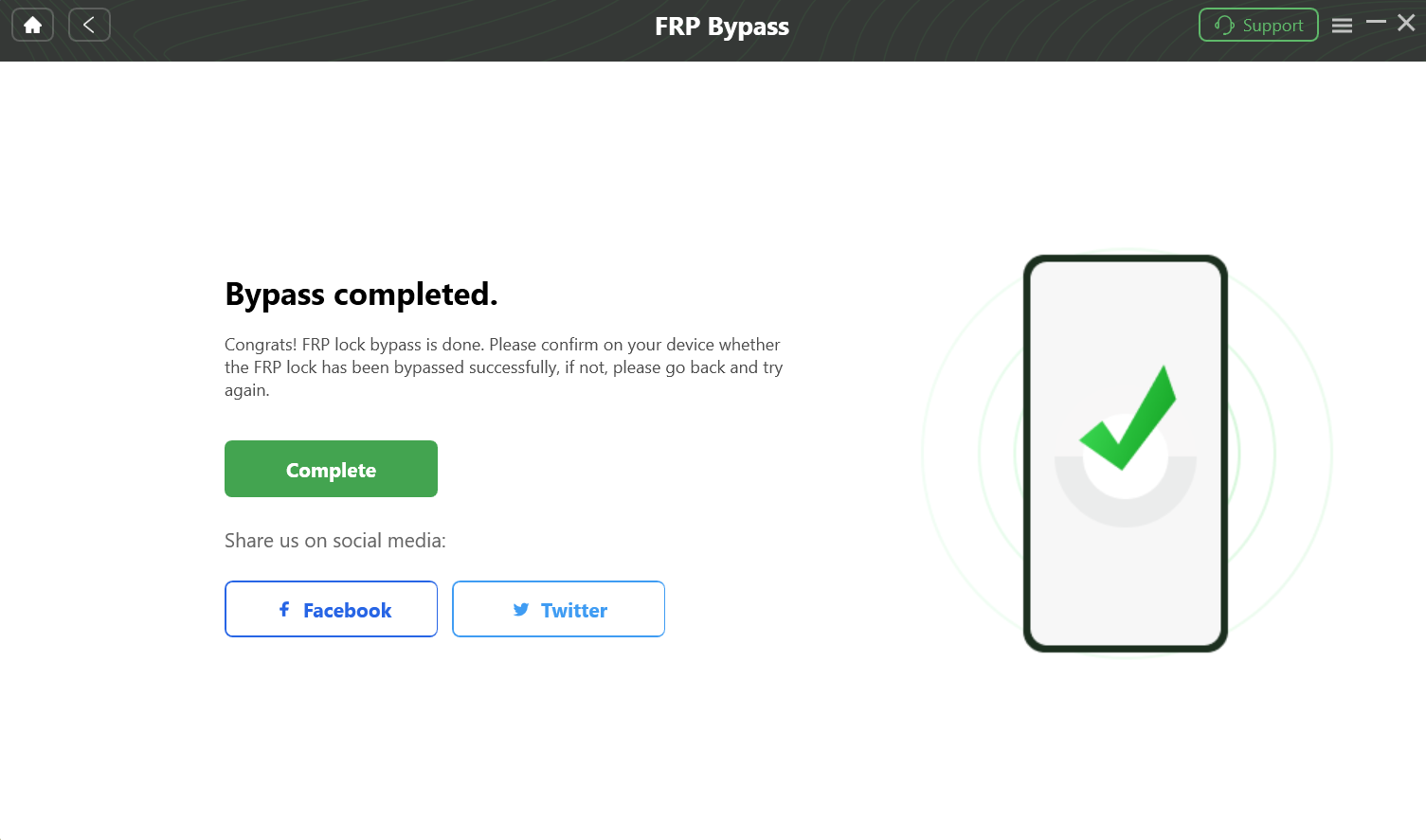
DroidKit remove FRP lock Vivo V40 Android 15 process successfully.
Vivo Funtouch OS 15 FRP Bypass No PC: The “Factory Test” Trick
The “Factory Test” trick is a precision method that utilizes the device’s engineering mode to bypass the setup wizard entirely. This is the “expert” method that works where standard APK installs fail. On older Android versions, simple APK-based tricks were often enough, as shown in our Easy Flashing FRP Bypass 8.0 APK guide, but Funtouch OS 15 requires a far more controlled approach like the Factory Test method described here.
In Funtouch OS 15, Vivo has patched the direct execution of the com.google.android.setupwizard activity. This is the primary reason why Activity Launcher crashes for most users immediately upon opening. The workaround requires a specific strategy: using the EasyShare app transfer to transfer two specific apps and utilizing the “shortcut” feature within the manufacturer’s own launcher to trigger a “Factory Test” intent.
The key to this method is that Funtouch OS trusts “EasyShare” transfers as “system cloned” data, which allows it to bypass the strict “unknown sources” block present in standard Android 15.
Prerequisites
Before starting, ensure you have:
- A secondary Android phone (Samsung, Xiaomi, or another Vivo).
- A stable Wi-Fi connection (Hotspot is recommended).
- Activity Launcher and QuickShortcutMaker downloaded on the secondary phone.
Step-by-Step Execution
1. Prepare the Sender Phone
On your secondary Android device, go to the Google Play Store and download both Activity Launcher and QuickShortcutMaker. Ensure these are the latest versions to avoid compatibility issues.
2. Access the System (The “Door Handle”)
Getting into EasyShare is the hardest part on Android 15 because the menus are hidden. Use one of these two methods to launch the app from the locked screen:
- Method A (TalkBack Shortcut):
- From the “Hello” screen, press and hold both Volume Up + Volume Down for 3 seconds to turn on TalkBack.
- Draw an inverse “L” (swipe right, then up) to trigger the voice command prompt.
- Double-tap “Use Voice Commands” and say clearly: “Open Accessibility Settings.”
- Turn off TalkBack (hold Vol Up + Down).
- Scroll down to Accessibility Menu, turn it on, and tap the floating green shortcut button (or 3-dot menu).
- Tap “Assistant” and say “Open EasyShare.”
- Method B (Emergency Info – If TalkBack Fails):
- Tap Emergency Call on the lock screen.
- Tap Emergency Information (top of screen) twice to open.
- Tap the Pencil Icon (Edit) > Add Contact.
- Select any contact. Once added, tap the contact’s name.
- Tap the Text Message icon. Type
www.youtube.comand send. - Tap the link to open YouTube > Profile Icon > Settings > About > YouTube Terms of Service (opens Chrome).
- In Chrome, search for “EasyShare Activity” or type
vivoglobal.comto find the app launch link.
3. Transfer the Dual Apps
Once EasyShare is open on the locked Vivo device:
- Select “Phone Clone” and set the locked device as the “New Phone” (Receiver). Grant all permissions if asked.
- On your secondary phone, open EasyShare and select “Old Phone” (Sender).
- Scan the QR code on the locked Vivo.
- Once paired, deselect all data (contacts, photos, etc.) and go to the “Apps” tab.
- Select only Activity Launcher and QuickShortcutMaker. Start the transfer.
4. The Critical Activity Search (The “Golden Key”)
Once the transfer is complete, tap the clock icon (History) in EasyShare on the locked device and open QuickShortcutMaker.
⚠️ PRO TIP: STOP AND READ
Do NOT search for “Google Setup Wizard” or “Pixel Setup.” In the November 2025 patch, tapping these results will immediately crash the app and force you to restart the process.
You MUST search for this specific string:
com.vivo.setupwizard.factorytest
5. Launch Engineering Mode
- Type
factory testin the search bar. - Look for the result labeled “Factory Test” (usually listed under the Vivo Setup Wizard dropdown).
- Tap the activity to launch the hidden engineering menu (often appearing as Tab 3 labeled “Engineering Test”).
- Select the option “Back to Home.”
- When prompted, choose “Initialize to English.”
This command forces the device to jump directly to the home screen, completely bypassing the Google Account verification.
Troubleshooting: EasyShare Connection Failed & Activity Launcher Crash
Connection failures and app crashes during a bypass attempt are almost always caused by version mismatches or specific security patches targeting the intent system.
Fixing the “EasyShare Not Connected” Error
If you see the “Connection Failed” error when scanning the QR code, it is usually because the version of EasyShare on the sender phone is outdated compared to the system-integrated version on the Android 15 device.
The Fix:
- Go to the Google Play Store on your sender phone.
- Update EasyShare to the absolute latest version.
- Clear the cache of the app before attempting the Vivo clone phone method again.
Why Activity Launcher Crashes
Users often report that Activity Launcher installs but immediately crashes when opening. This is not a bug in the app, but a deliberate security feature in Funtouch OS 15. The system detects an unauthorized attempt to call com.google.android.setupwizard and kills the process immediately.
The Solution: You must stop targeting the Google Setup Wizard. As detailed in the previous section, you must use QuickShortcutMaker to target the manufacturer-specific com.vivo.setupwizard.factorytest string instead. This internal activity is often overlooked by the security patch, providing a backdoor into the system.
Why Old Methods (TalkBack) Fail on Funtouch OS 15
The failure of traditional bypass methods on Funtouch OS 15 is due to the aggressive removal of accessibility exploits in the November 2025 security update. If you are trying to follow a YouTube tutorial from early 2024, you will likely hit a dead end.
The Death of the “L” Gesture
Historically, technicians relied on the TalkBack Braille keyboard exploit or the “L” gesture to open the Google Assistant and navigate to Chrome. However, in the latest Android 15 builds for Vivo, the following changes have been implemented:
- TalkBack Gestures Disabled: The system now ignores complex multi-finger gestures during the setup phase, rendering the classic entry point useless.
- Braille Keyboard Patch: The option to access settings via the Braille keyboard has been removed from the accessibility menu.
- Reset Settings Blocked: Previously, users could access the settings menu and select “Reset All Settings” to remove the lock. On Android 15, this option remains grayed out or simply reboots the device without removing the factory reset protection persistent flag.
Understanding these changes is vital. Attempting these patched methods will only result in wasted time. The current viable strategies are strictly limited to the EasyShare app transfer method targeting the factory test, or professional unlocking software that interacts with the device at a deeper firmware level.
FAQs: Vivo Android 15 Google Account Unlock
Why does Activity Launcher crash immediately on my Vivo Android 15?
It crashes because Funtouch OS 15 blocks direct access to the standard Google Setup Wizard activity. To fix this, you must use QuickShortcutMaker to find the com.vivo.setupwizard.factorytest activity instead, which bypasses the blocked component.
How do I fix the “EasyShare not connected” error during FRP bypass?
This error is caused by version mismatches between the two phones. Update the EasyShare app on your sender phone to the latest version from the Play Store and clear the app cache before scanning the QR code again.
Can I downgrade Funtouch OS 15 to 14 to remove the Google lock?
No, you generally cannot downgrade without risking hardware damage. Vivo implements strict anti-rollback protection on newer devices like the V40 and X100; attempting to flash older firmware often results in a “hard brick” or boot loop.
Does the “TalkBack” method still work on the latest Vivo security patch?
No, the TalkBack Braille keyboard exploit and “L” gesture shortcuts were patched in late 2024. These methods no longer trigger the Google Assistant or Chrome browser on devices running the November 2025 security patch.
Is there a code like #812# that still works for Vivo FRP?
No, the #812# engineering code was patched several years ago. Modern Vivo FRP bypass Android 15 methods require either the “Factory Test” intent injection via EasyShare or professional software tools like DroidKit.
Conclusion
Facing a locked Vivo V40 or Y200 doesn’t have to result in a paperweight or a costly logic board replacement. While the Vivo Funtouch OS 15 FRP bypass no PC method using the “Factory Test” trick is effective, it requires precision and a secondary device to navigate the EasyShare app transfer successfully. For users like Amit who encountered the frustrating EasyShare not connected loop or the Activity Launcher setup fail, the path forward is clear.
If you value your time and need a guaranteed resolution without the risk of system crashes, we recommend using a professional tool. DroidKit handles the complexity of the November 2025 security patch for you, unlocking your device in minutes rather than hours. Don’t let a security patch stop your business—regain control of your device today.
Download DroidKit to Remove FRP Lock Now
More Related Articles